ChiTV for Android
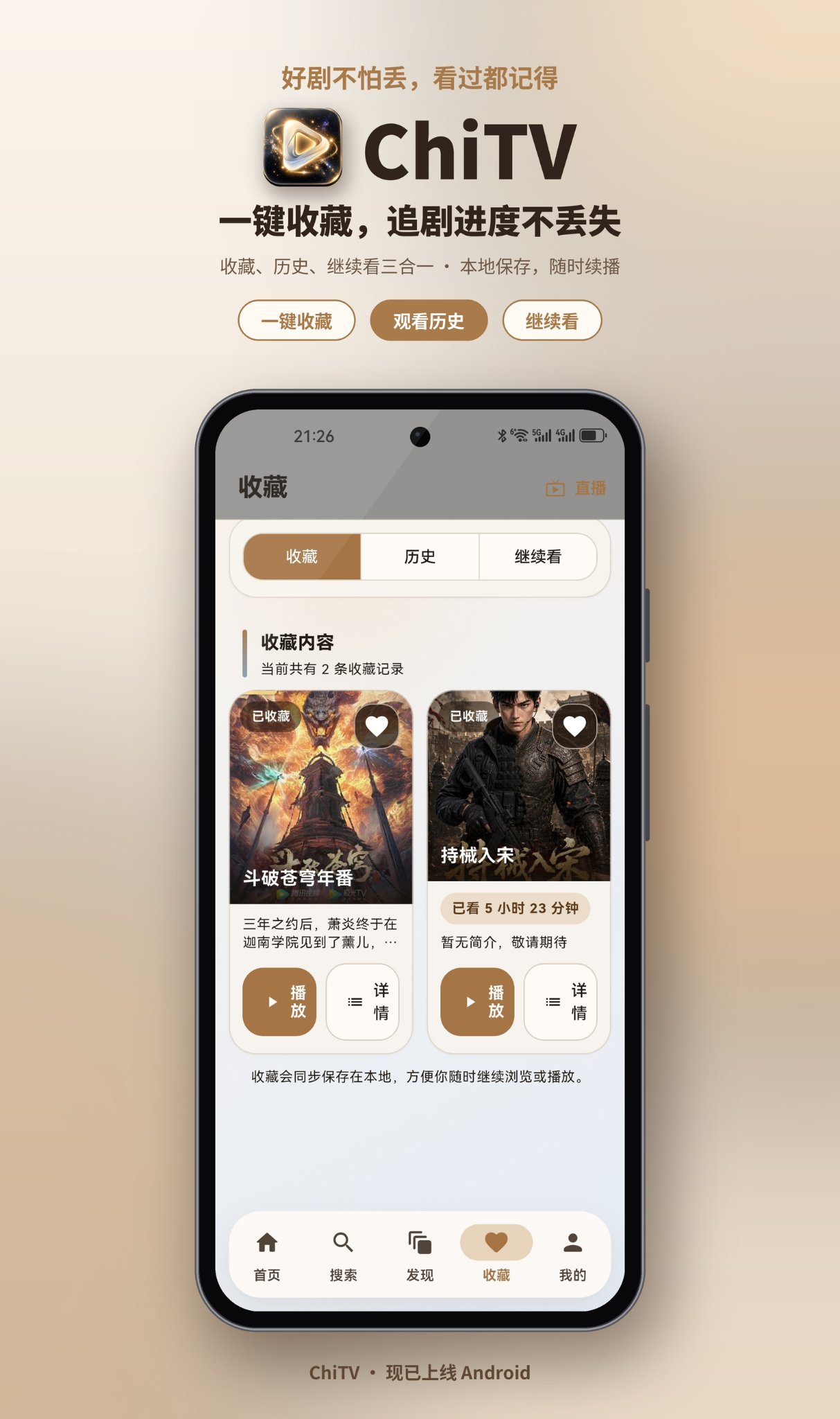
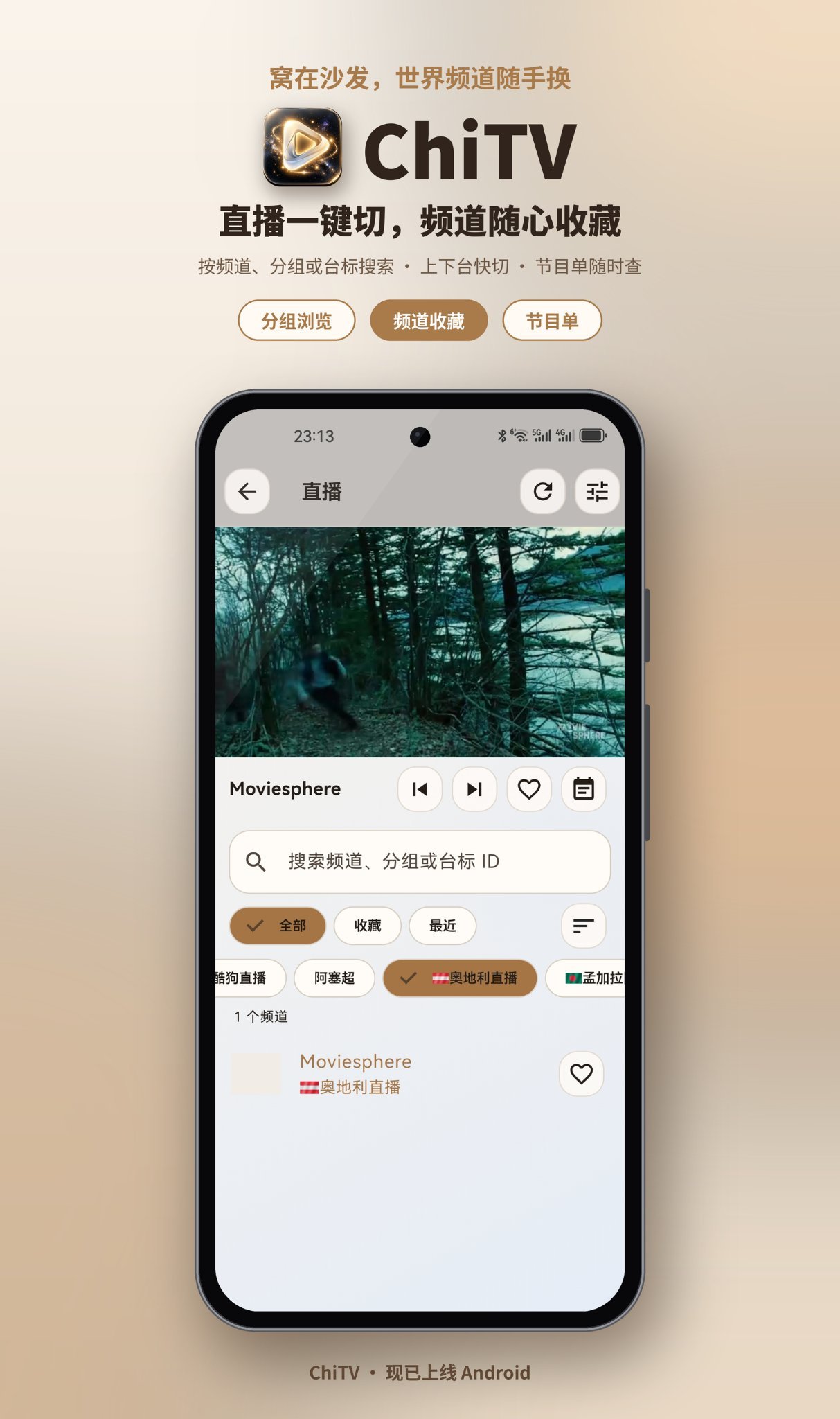
ChiTV is a video streaming app built with Flutter/Dart, supporting on-demand playback from VOD/CMS sources and live TV from live sources, for the ultimate viewing experience.
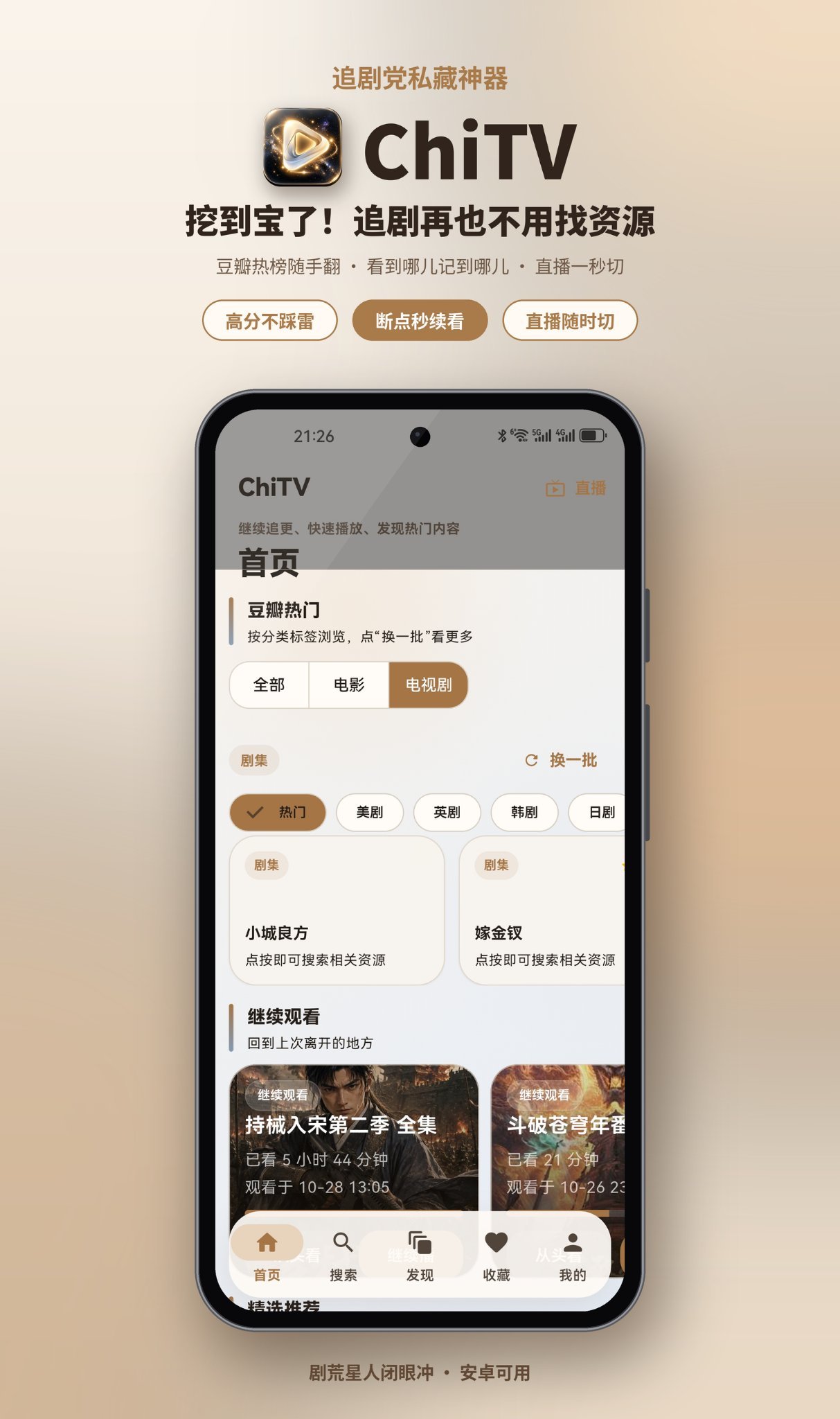
A binge-watcher's secret weapon
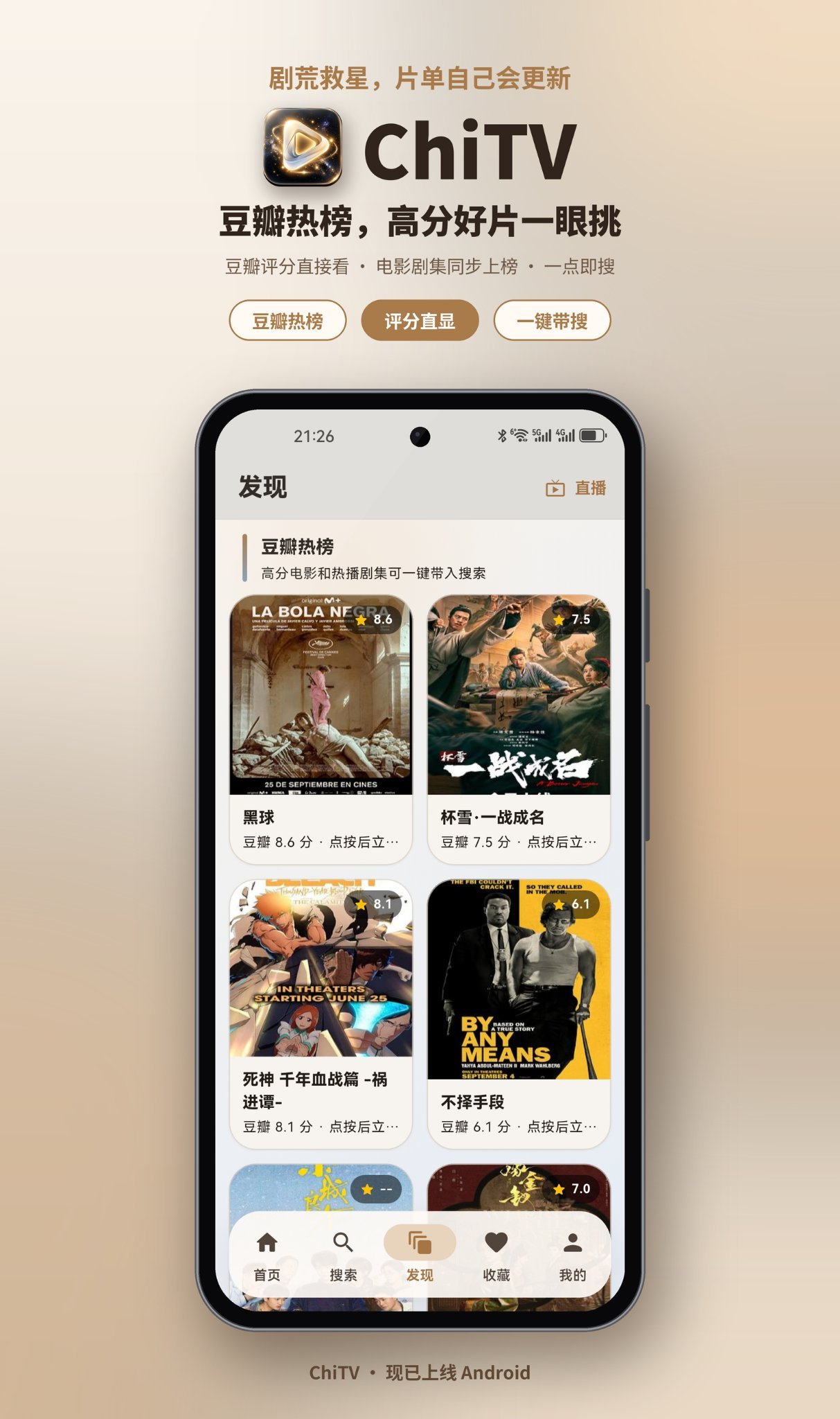
Browse trending picks from Douban and explore movies and series by category. Use Continue Watching to pick up right where you left off.
Video Source Setup
- 1
Go to "My" → "Video Source Management"
- 2
Tap the "Add" button
- 3
In the "Add Video Source" dialog, enter a name and API URL (VOD or CMS sources only, for example https://cms-provide.mutse.top/api.php/provide/vod/)
- 4
Tap "Save" to finish
Live Source Setup
- 1
Open the "My -> Live Source Management" page
- 2
Tap the "+" button in the top-right corner
- 3
In the "Add Live Source" dialog, fill in "Name" and "M3U Subscription URL"
- 4
Tap "Save" to finish